Python CLI Tool: one-liner
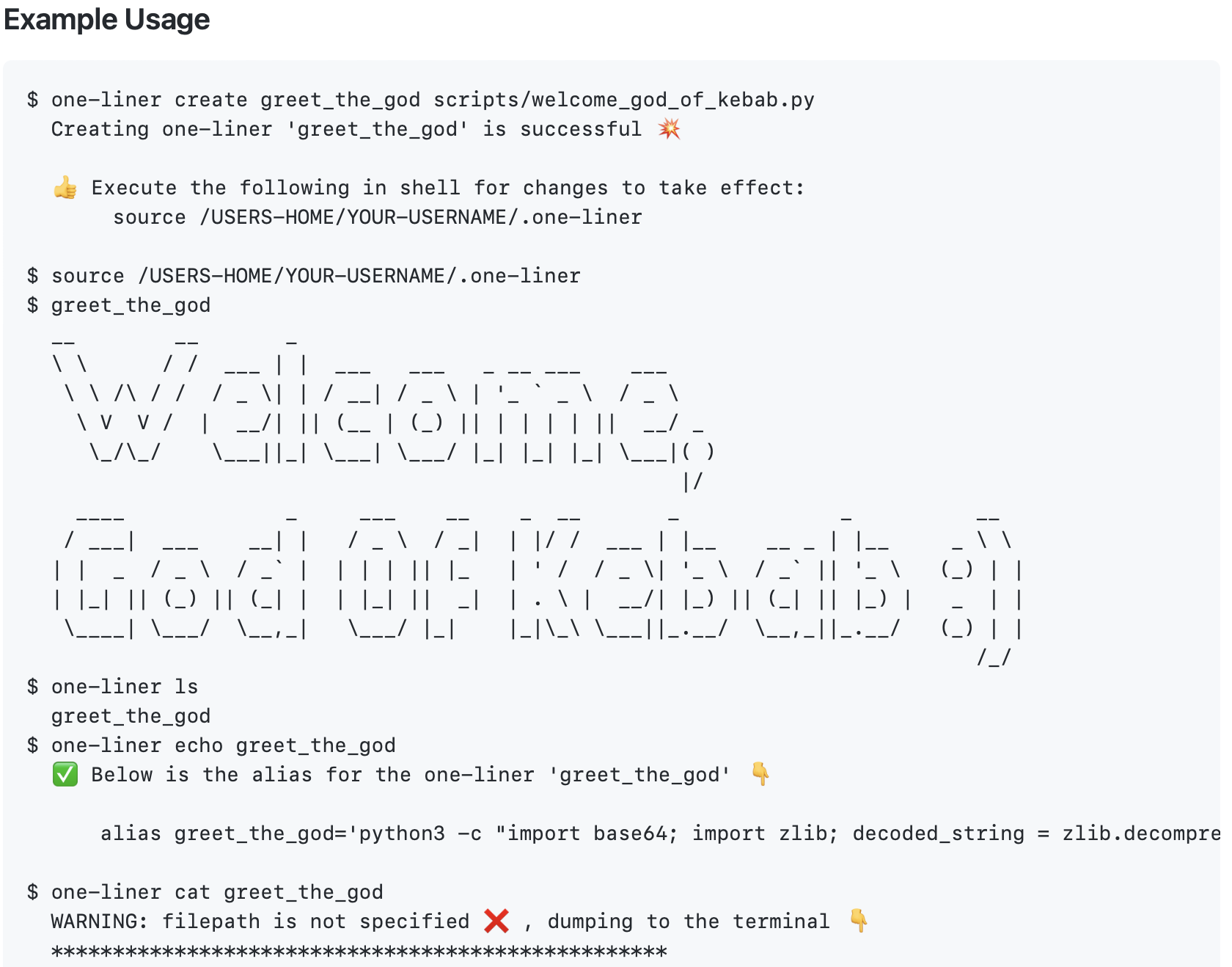
One of the problems of using Python scripts is figuring out where to put them. Manually managing Python scripts can be messy and annoying if you have so many. I created this tool so that I don't have to manually manage those scripts.
This tool creates aliases that can be used to execute python scripts independent of the original Python script file. This makes it possible for the Python scripts to be stored and managed using this tool --all in one file (.one-liner)! Here are some of the features: create, rename, print, dump, and delete a script; list managed scripts.
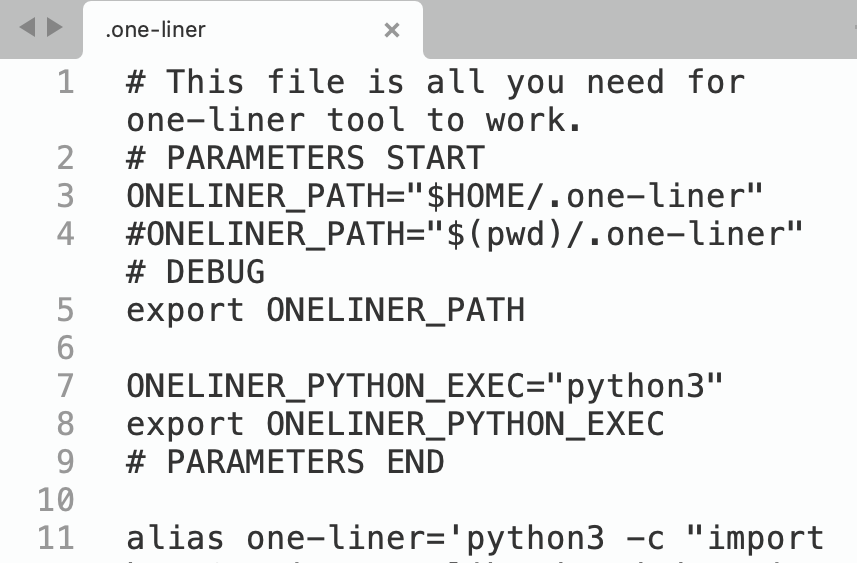
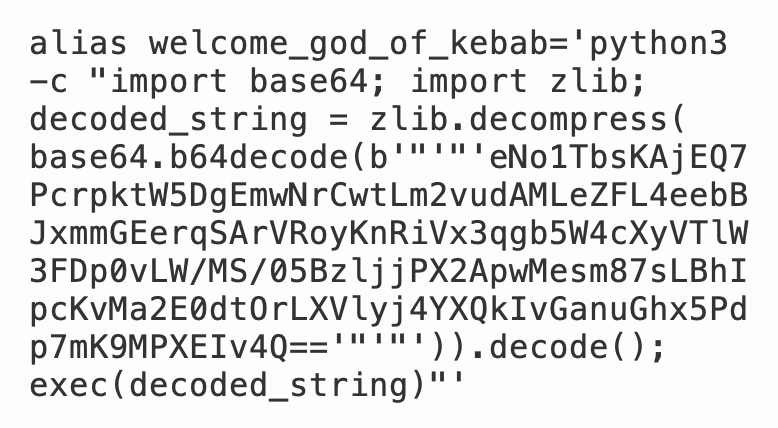
Aliases are created by compressing the script file, encoding the resulting bytes to base64, and using a one line Python script that can decode, decompress, and execute the resulting base64-encoded string. Furthermore, the one-liner code itself can be one-lined and managed --one file to rule all your Python scripts!
I use this tool daily to run scripts in the background whenever I open a new shell. To see a more detailed explanation and documentation, please see the git repo.